

Toronto Pearson International Airport
Your arrival made easier
Starting your journey in a new country is exciting, but it can also feel a little uncertain at first. If this is your first time arriving in Canada or travelling through Toronto Pearson International Airport, you’re not alone. Our Airport Welcome Program is here to support you and help you get off to a smooth start.
How does it work?
When you arrive at Toronto Pearson Airport (International Arrivals in Terminals 1 and 3) between 1:00 p.m. and 8:00 p.m. (ET), friendly student volunteers in orange T-shirts will be there to welcome you and help you get started.
They can:
- Direct you to taxi stands, pre-arranged transportation service kiosks, and rideshare pick-up zones
- Help you find your train or bus if you’re taking public transit
- Answer your questions about student life in Canada and where to go for support
Our volunteers are here to make your arrival as smooth and stress-free as possible, helping you navigate the airport and begin your journey to McMaster with confidence. No registration is required.
Please note that volunteers provide guidance and directions only. They do not provide transportation or cover travel costs. You will be responsible for arranging and paying for your transportation from Pearson Airport to your place of residence.
I decided to volunteer for this program so I can help support students the moment they step out of international arrivals [and] I’ve seen how the program has reduced students’ anxieties about moving to another country. It can also provide a sense of comfort.
Fourth-year student, Soraya Rosli
Read the full story: McMaster student volunteers welcome international students at the airport
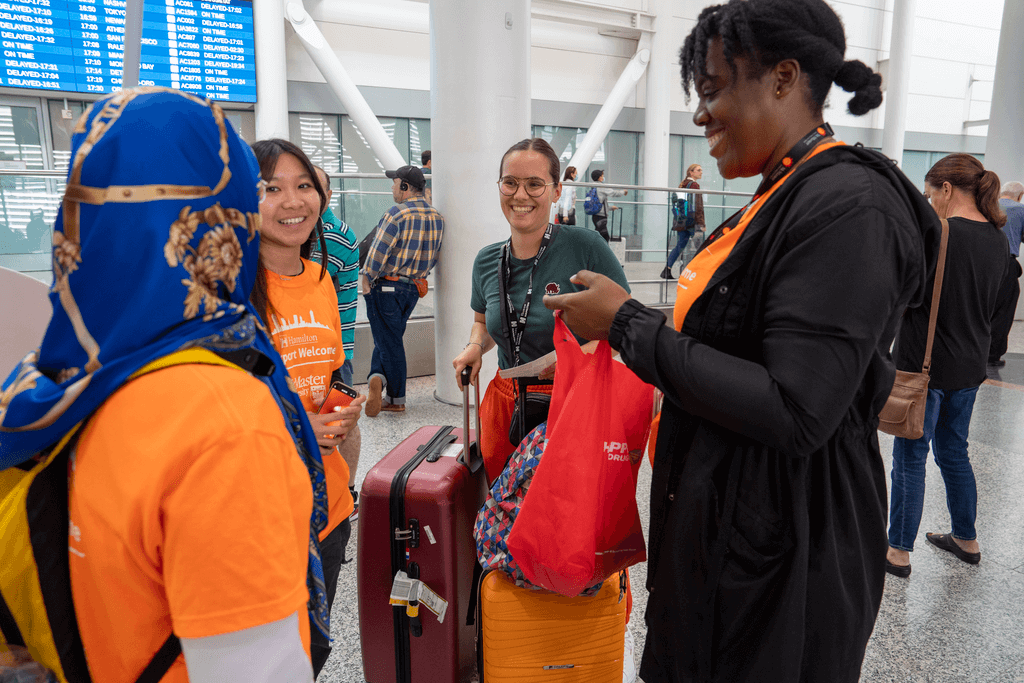
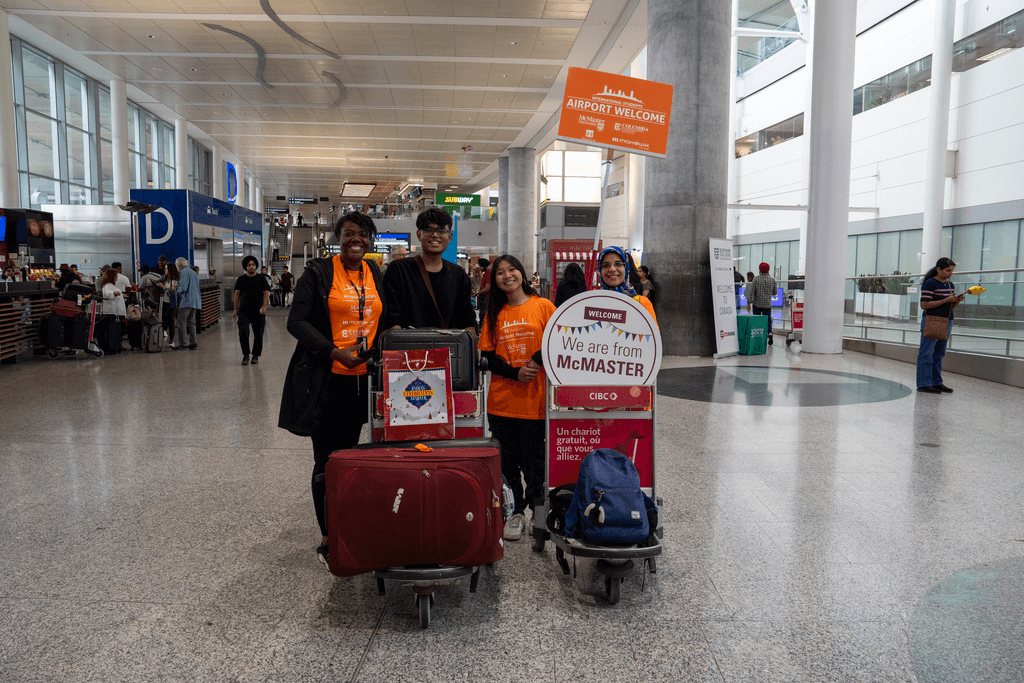

The Airport Welcome Program is presented in partnership by McMaster University, Mohawk College and Columbia International College.
iCent is an app where you can access resources like information on local transit and banking, to support your transition to living and learning in Canada. This tool provides a personalized experience based on your year and program, connecting you to wraparound supports and resources in one place.
- Download the iCent app (available at the Apple Store and Google Play Store). If you’re unable to download the app, visit the iCent web version.
- Select “Canada” as your institution’s country.
- Select “McMaster Undergrad Programs” as your institution name.
- Follow the “email and PIN” button.
- Enter your McMaster (@mcmaster.ca) email ID. You will receive an email with a secured PIN to log in.
- Enter the secured PIN and go to “continue.”
Discover how the International and Exchange Student Experience (IESE) team can support your success at McMaster and beyond.